
English
Authentication & API Keys
StackVid supports two standard authentication mechanisms designed for server-to-server automation and web client access.
1. API Key Authentication (Recommended for Server / Scripts)
API Keys are ideal for backend workers, cron jobs, command-line scripts, and automation platforms like n8n or Make.
Key Format
- All API Keys start with the prefix:
tk_live_... - Only cryptographic SHA-256 hashes are stored in the database.
Usage in HTTP Requests
Include your API Key in the X-API-Key HTTP header:
bash
curl -X GET https://api.stackvid.dev/api/users/me \
  -H "X-API-Key: tk_live_YOUR_KEY"
typescript
import axios from 'axios';

const api = axios.create({
  baseURL: 'https://api.stackvid.dev/api',
  headers: {
    'X-API-Key': process.env.STACKVID_API_KEY,
  },
});
python
import os
import requests

headers = {
    'X-API-Key': os.getenv('STACKVID_API_KEY')
}
res = requests.get('https://api.stackvid.dev/api/users/me', headers=headers)
2. Bearer JWT Token (For Web Applications)
When authenticating via username/password on the frontend, the system returns a signed JWT accessToken.
Usage:
Pass the token in the Authorization header:
http
Authorization: Bearer eyJhbG...c...3. Managing API Keys via Dashboard
You can generate, copy, and revoke API keys directly from the Dashboard → API Keys (/api-keys) user interface:
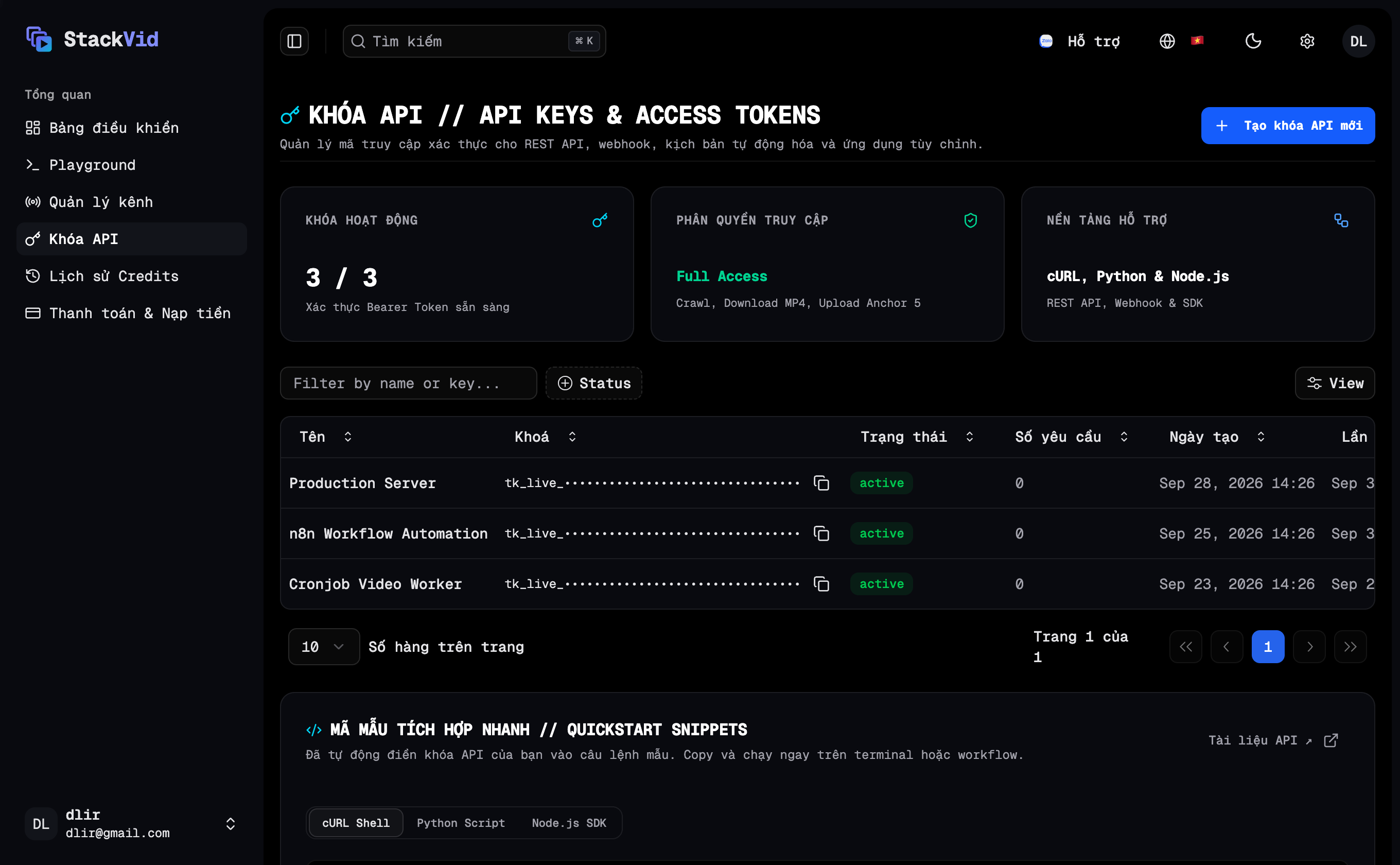
- Create: Enter a friendly identifier (e.g.
Production Serverorn8n Worker) and click Generate Key. Make sure to copy your secret key immediately as it is only displayed once for security. - Revoke: Click Revoke next to any compromised or unused key to invalidate it immediately.
- Any revoked key is rejected on subsequent API requests with a
401 Unauthorizedstatus code.