
English
5-Minute Quickstart
This quickstart guide walks you through registering an account, obtaining your API key, and publishing your first automated video with StackVid.
Step 1: Create an Account & Receive 50 Free Credits
- Navigate to the Registration Page.
- Enter your Email, Username, and Password.
- Complete the verification challenge and click Create Account.
- You will immediately receive 50 complimentary welcome credits in your account wallet.
Step 2: Generate an API Key
To authenticate requests from your scripts, servers, or automation workflows:
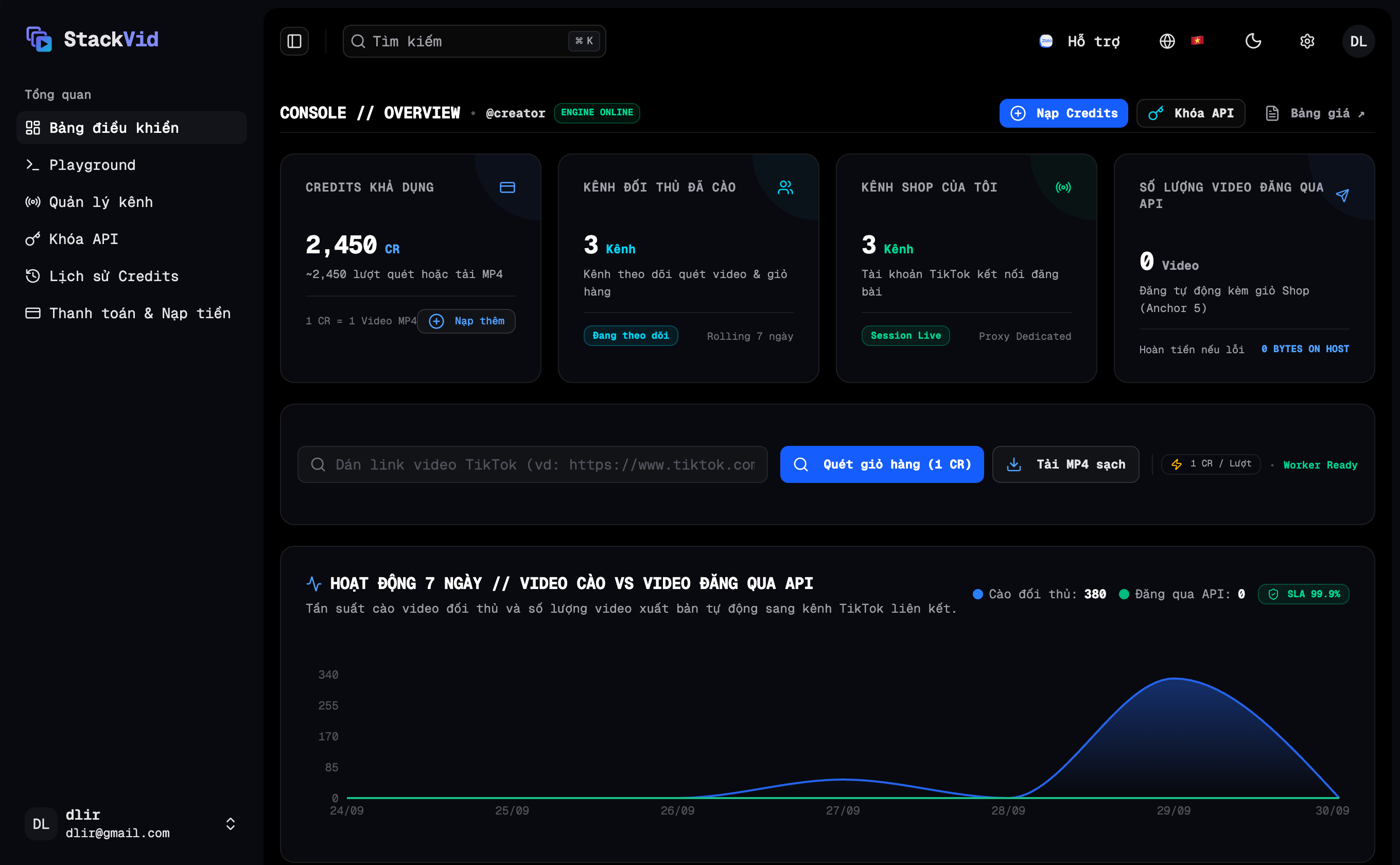
- Log into your User Dashboard.
- Click API Keys in the left navigation sidebar.
- Click Create Key and provide a recognizable label (e.g.
Server Productionorn8n Automation). - Copy the generated key starting with
tk_live_.... - ⚠️ Important: Store this key securely. For security reasons, the full key is only displayed once upon creation.
Step 3: Make Your First API Call (Crawl Creator Videos)
Open your terminal and test the API by scraping videos from any TikTok creator:
bash
curl -X GET "https://api.stackvid.dev/api/tiktok/user/posts?username=lamine.yamal&count=5" \
  -H "X-API-Key: tk_live_YOUR_API_KEY_HERE"
typescript
import axios from 'axios';

const res = await axios.get('https://api.stackvid.dev/api/tiktok/user/posts', {
  params: { username: 'lamine.yamal', count: 5 },
  headers: { 'X-API-Key': 'tk_live_YOUR_API_KEY_HERE' },
});

console.log('Videos:', res.data.itemList);
python
import requests

res = requests.get(
    'https://api.stackvid.dev/api/tiktok/user/posts',
    params={'username': 'lamine.yamal', 'count': 5},
    headers={'X-API-Key': 'tk_live_YOUR_API_KEY_HERE'}
)

print('Videos:', res.json())
Step 4: Publish Your First Video
To publish a video to TikTok, send a request to POST /api/tiktok/upload containing your videoUrl:
- If you already have a direct video link (from CDN, S3, or your server): Pass the URL directly to
videoUrlwithout calling any upload API. - If you only have a local video file: Request a Presigned URL via
POST /api/uploads/presigned-urlto upload your binary file and obtain apublicUrlfirst (see Video Sources & Uploads).
Example publishing request using a direct video URL:
bash
curl -X POST https://api.stackvid.dev/api/tiktok/upload \
  -H "X-API-Key: tk_live_YOUR_API_KEY" \
  -H "Content-Type: application/json" \
  -d '{
    "videoUrl": "https://cdn.yourdomain.com/videos/first-video.mp4",
    "text": "First automated video published with StackVid API! #stackvid",
    "targetChannel": "US Fashion Channel"
  }'
typescript
import axios from 'axios';

await axios.post(
  'https://api.stackvid.dev/api/tiktok/upload',
  {
    videoUrl: 'https://cdn.yourdomain.com/videos/first-video.mp4',
    text: 'First automated video published with StackVid API! #stackvid',
    targetChannel: 'US Fashion Channel',
  },
  {
    headers: { 'X-API-Key': 'tk_live_YOUR_API_KEY' },
  }
);
You are all set! Your video has been published to TikTok.